For weddings
Every table at your wedding, through your guests’ eyes
Your photographer covers the aisle and the stage. Your guests catch everything else: the kids on the dance floor, the uncles at table 12, the tea ceremony from the side. Put a QR card on every table and each guest gets a disposable camera on their phone: 24 shots, film look, no retakes, and every frame lands in your gallery the moment it’s taken.
 01A
01ASolemnisation to reception
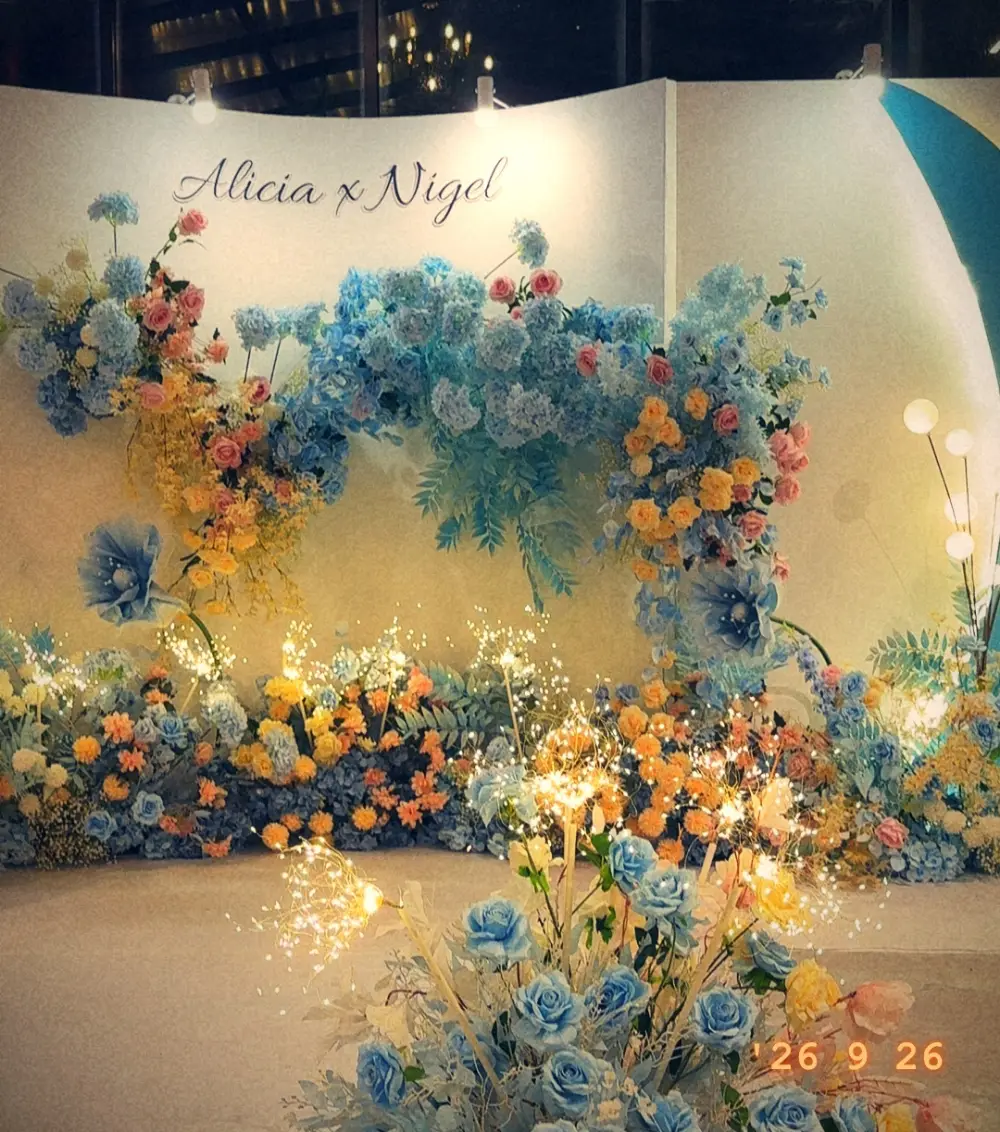
Nikah, ROM, church or temple, tea ceremony, then the banquet. One event covers the whole day.
A QR on every table
Print the table card from your dashboard. Guests scan, type their name, and start shooting in the browser.
Live on the big screen
Project the live canvas during dinner and watch guests’ favourite shots appear as they’re taken.
One gallery, kept for a year
Download everything in full resolution, or share the gallery with family who couldn’t make it.
How it works
- Step 1
Create your event
Pick the occasion, add your names and the date. It takes a minute and it’s free for up to 10 guests.
- Step 2
Share the QR code
Print the table card, put it on the screen, or send the link in your invite or group chat.
- Step 3
Guests shoot 24 frames
Each guest scans, types their name and gets a disposable camera in their browser, with film filters, no retakes and no app.
Most weddings pick the Large Event plan: 300 cameras, your colours and cover photo, and the gallery for a year. Compare plans
Weddings: questions
How many cameras do I need for my wedding?
One per guest who wants to shoot, which is usually fewer than your guest count, since couples and kids share. For a 300-guest banquet the Large Event plan (300 cameras) is plenty; the Festival plan covers 800.
Do our guests need to download an app?
No. They scan the QR code with their phone camera, type their name and email, and shoot in the browser. It works on any iPhone or Android.
Will this replace our wedding photographer?
No, it complements them. Your photographer gets the posed and key moments; your guests catch the candid ones from every table that a single photographer can’t be at.
Can we add our names and colours?
Yes. On the Medium Event, Large Event and Festival plans you set your own colours and cover photo, and the guest camera shows your names.